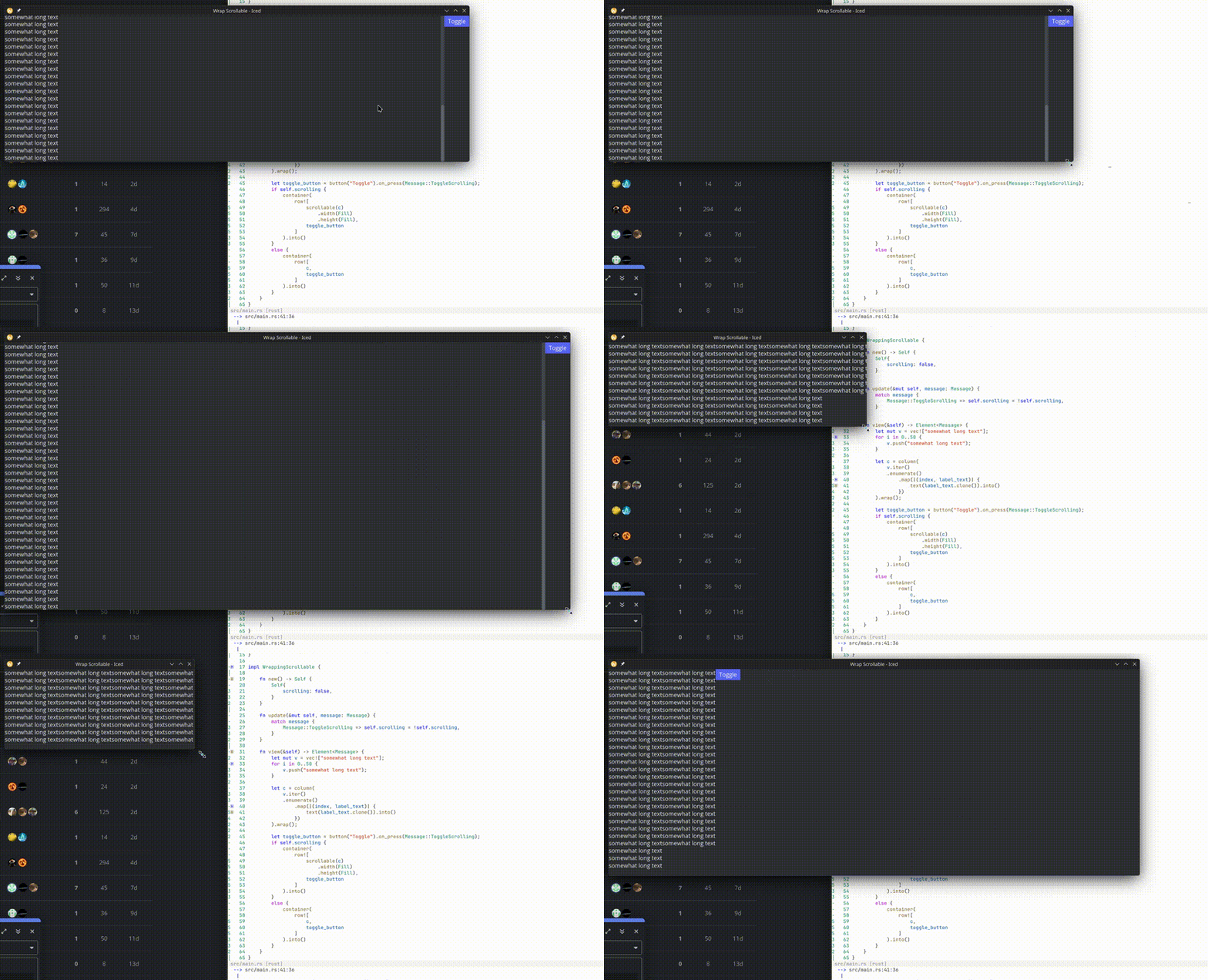
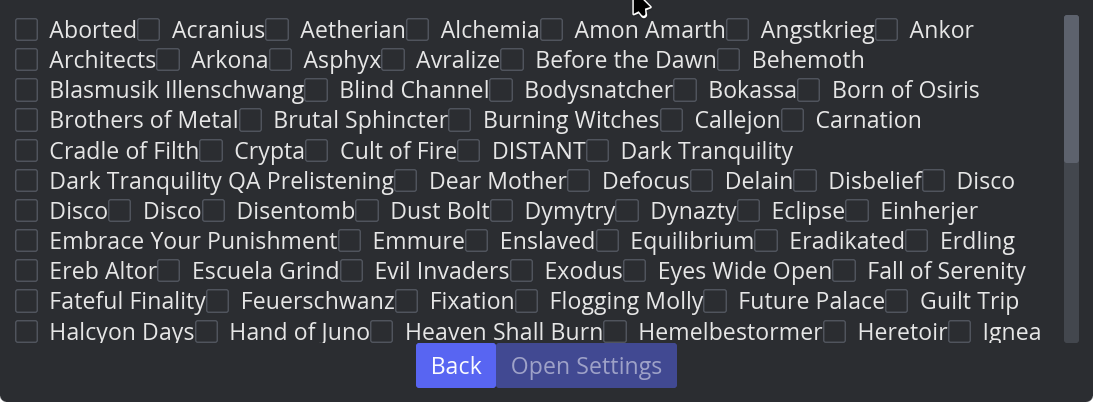
I am trying to get a list of elements. These should take up the width of my window as much as possible, so the new wrap() function for column seems appropriate.
However, the user may have an insufficiently sized window, so I need to have it in a scrollable as well - this should be vertically scrollable in my opinion (though for now, if horizontally works it’d be something).
Now the obvious idea is to put the wrapping column into a scrollable, but that does not work. Once inside a scrollable, the column just lists every element in one single row - no matter the width of the window.
Here is a minimal example:
use iced::{widget::{button, column, container, row, scrollable, text}, Element, Length::Fill};

fn main() → iced::Result{
iced::run(WrappingScrollable::update, WrappingScrollable::view)
}

#[derive(Default)]
struct WrappingScrollable {
scrolling: bool
}

#[derive(Debug, Clone, Copy)]
enum Message{
ToggleScrolling
}

impl WrappingScrollable {

fn new() -> Self {
    Self{
        scrolling: false,
    }
}

fn update(&mut self, message: Message) {
    match message {
        Message::ToggleScrolling => self.scrolling = !self.scrolling,
    }
}

fn view(&self) -> Element<Message> {
    let mut v = vec!["somewhat long text"];
    for i in 0..50 {
        v.push("somewhat long text");
    }

    let c = column(
        v.iter()
        .enumerate()
            .map(|(index, label_text)| {
                text(label_text.clone()).into()
            })
    ).wrap();

    let toggle_button = button("Toggle").on_press(Message::ToggleScrolling);
    if self.scrolling {
        container(
            row![
                scrollable(c)
                    .width(Fill)
                    .height(Fill),
                toggle_button
            ]
        ).into()
    }
    else {
        container(
            row![
                c,
                toggle_button
            ]
        ).into()
    }
}

}
Here is what it looks like: